


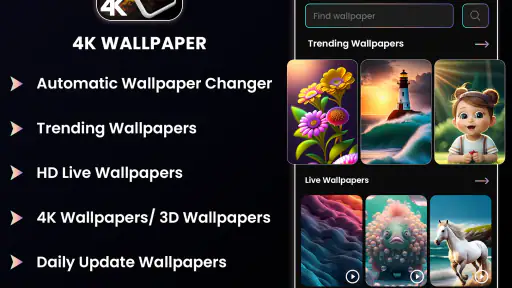
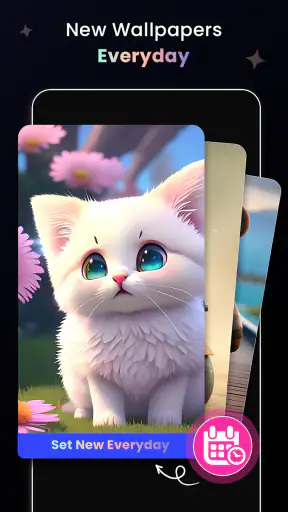
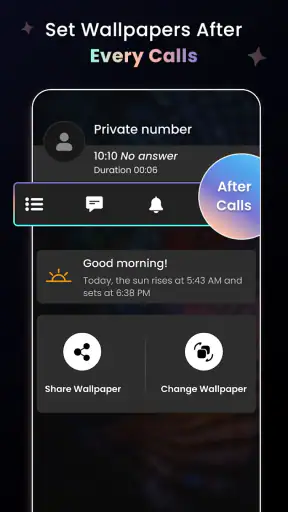
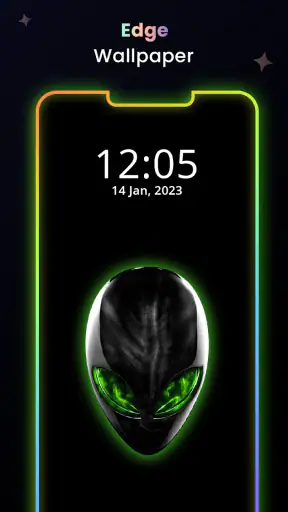
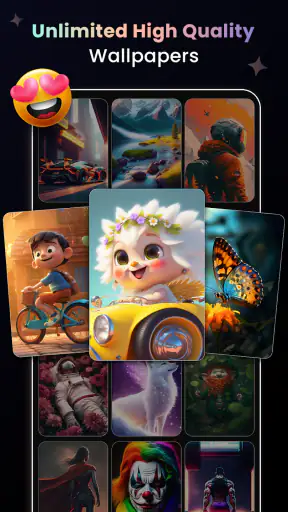
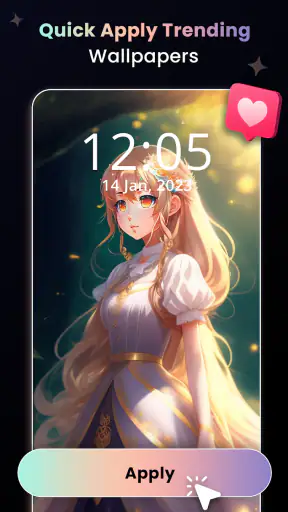
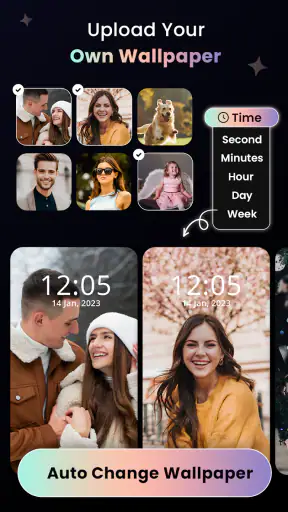
I spent time using 4K Wallpapers - HD Backgrounds as a personalization app rather than treating it like a simple image gallery. Its appeal is straightforward: it gives an Android phone a more deliberate look through high-resolution backgrounds, live wallpaper options, and a 3D background changer. The experience is aimed at people who enjoy changing the feel of their home screen without building a theme manually from several separate apps.
What stood out to me is that the app sits between a traditional wallpaper browser and a more animated customization tool. You can use it casually when you want a fresh background, but the live and dimensional options invite more experimentation. That extra visual movement is also where the practical questions begin: how quickly does it feel, how demanding can it become, and is the result worth choosing over the wallpaper already included with a phone?
How the app feels during everyday use
The first thing I would tell a friend is that this is not primarily a productivity tool. It is a visual refresh for your device. The category is Personalization, and that description fits: the value comes from making the phone feel more personal every time you unlock it, not from adding communication, organization, or editing functions.
The developer is Technozer Solution, and the app is free to install. That makes it easy to try without committing money at the start, although in-app purchases range from $2.99 to $99.99 per item. I would therefore approach the free experience as a way to judge the style and workflow first, rather than assuming every visual option is included without limits.
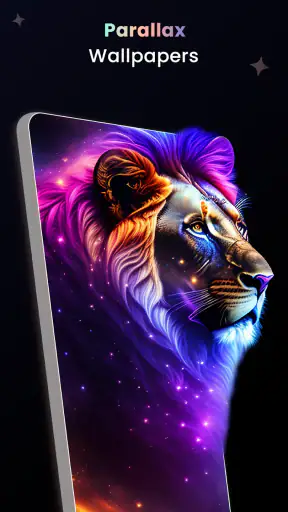
The store summary highlights customizable live wallpapers, a 3D background changer, and 4K wallpaper content. In practice, those three ideas serve different moods. A still background is the sensible choice when I want a clean screen and minimal distraction. A live wallpaper is better when I want the phone to feel more animated. The 3D approach is most interesting when a flat image feels too ordinary, though it also makes the visual effect more dependent on the device and on personal taste.
The current version is 2.4.3, and the app requires Android 10 or newer. That requirement immediately narrows the audience: anyone using an older phone cannot simply install it, while people on supported devices have a reasonably modern starting point. The age rating is Everyone 10+, so it is positioned for a broad audience, but parents should still remember that the app is designed around visual content and customization rather than being a child-focused utility.
What affects perceived speed
Wallpaper apps often feel fast when the browsing experience is simple and the user chooses a still image. The moment high-resolution artwork, animated previews, or 3D effects enter the process, the experience can feel heavier. My advice is to judge the app in two separate ways: first, how quickly you can find and apply a background; second, how smoothly the chosen wallpaper behaves afterward.
A still 4K-style background can look impressively sharp on a modern display, but sharpness is not automatically the same as usefulness. On a smaller screen, the difference may be less important than the composition. I found it smarter to choose images with a relatively calm area behind icons. A spectacular image with bright detail everywhere can make app labels harder to read, while a slightly simpler design often makes the whole phone look more polished.
The live wallpaper and 3D options deserve a slower evaluation. They are the features most likely to make the app feel special, but they are also the features I would test before settling on one. Open the home screen repeatedly, move between screens, and check whether the animation still feels comfortable after several minutes. If the effect feels distracting rather than attractive, the still-image route is probably the better choice.
My practical tip is to separate discovery from commitment. Browse and compare several backgrounds first, then apply one and use the phone normally. That prevents the first impressive preview from becoming a permanent choice before you have seen how it interacts with icons, widgets, and everyday gestures.
Heavy-use moments and visual workload
The app is most demanding when several visually rich actions happen together: browsing large artwork, previewing animated backgrounds, switching between choices, and leaving a live effect active on the home screen. I would not describe that as a flaw by itself; it is the natural trade-off of choosing animated personalization over a static picture. Still, users who care about a light, quiet setup should be selective.
For my own routine, the most sensible workflow is to experiment while the phone is comfortably charged, apply the preferred background, and then observe normal use instead of constantly changing it. Repeatedly switching wallpapers is enjoyable for a while, but it is not the best way to judge whether a background works over a full day. A design that looks exciting in a preview may become tiring when it is always moving behind familiar icons.
There is also a useful distinction between visual richness and actual screen usefulness. A detailed background can make a phone look premium in a screenshot, yet a calmer image can be more practical for reading notifications and locating apps. I would prioritize contrast around the icon area and avoid choosing an image only because it has the highest apparent detail.
If the phone feels less responsive after applying an animated option, my first step would be to switch back to a still background rather than immediately uninstalling the app. That simple comparison helps identify whether the issue is tied to the selected effect or to the broader browsing experience. It also gives the app a fair test, because the static and live parts serve different purposes.
Stability, recovery, and what to do when a choice does not work
Reliability matters more in a personalization app than people sometimes expect. A wallpaper is part of the phone’s daily interface, so an effect that looks good but behaves inconsistently quickly becomes annoying. I pay attention to whether the selected background remains visually appropriate after returning to the home screen, opening other apps, and coming back later.
The safest recovery habit is to keep a simple fallback in mind. Before trying an elaborate live or 3D option, remember which static background you would be happy to use. If an animation feels uncomfortable, looks wrong with your launcher layout, or simply does not suit the device, switching to that fallback is faster than repeatedly troubleshooting a visual effect you do not actually need.
I also recommend changing one thing at a time. If you apply a new background, alter icon arrangements, and add widgets in the same session, it becomes difficult to tell what caused a cluttered or awkward result. Applying the wallpaper first lets you judge its crop, contrast, and movement independently. Only after that would I adjust the rest of the home screen.
Recovery is especially relevant for people who change wallpapers frequently. A fresh image can make the phone feel new, but a large collection of choices can also encourage endless tweaking. I found the app more satisfying when I treated it as a source of a few dependable looks rather than a reason to redesign the home screen every day.
Device constraints and choosing the right style
The Android 10 minimum requirement is the clearest device constraint. It means this is not an option for older Android hardware, even if that phone has a screen capable of displaying attractive images. For supported devices, the next consideration is not just operating-system compatibility but how well the phone handles animated visual content in ordinary use.
Screen size also changes the result. On a compact phone, an image with a busy center can compete with icons and widgets. On a larger display, the same artwork may have more room to breathe. I would preview the composition with the actual home-screen layout visible rather than judging the image in isolation. This is one of the easiest ways to avoid a background that looked excellent in the gallery but awkward on the finished screen.
Battery-conscious users should be more conservative with live wallpapers. I cannot treat every device as though it will respond identically, because hardware, display technology, launcher behavior, and personal usage all vary. The sensible approach is to compare a still option with a live one during your normal routine. If the animated version offers only a small visual improvement, the static choice may be the better everyday compromise.
Storage and data habits are another practical consideration whenever an app centers on high-resolution visual content. I would avoid collecting every appealing image immediately. Save or apply only the backgrounds you genuinely expect to use, and periodically remove choices that no longer fit your style. This keeps the personalization process intentional instead of turning it into another overcrowded media library.
The app is not the right choice for someone who wants a completely static, minimalist phone and never changes its appearance. In that case, the built-in wallpaper picker may be simpler and less distracting. It may also be preferable for anyone whose device does not meet the Android requirement or who is especially cautious about animated home-screen effects.
How it compares with ordinary wallpaper alternatives
The built-in wallpaper tool on a phone usually wins for convenience. It is already present, familiar, and closely integrated with the device’s launcher. If all I want is a plain image applied quickly, using that tool involves fewer decisions. The advantage of 4K Wallpapers - HD Backgrounds is the broader emphasis on visual variety, live presentation, and 3D-style customization in one place.
Dedicated still-image wallpaper apps can be a better match for users who care mainly about browsing artwork and keeping the screen calm. They may offer a more focused experience because they do not need to balance static backgrounds with animated effects. This app makes more sense when I want both approaches available and enjoy comparing a quiet image with something more dynamic.
Full theme systems are another alternative. They can change icons, colors, widgets, and other parts of the interface, producing a more complete transformation. The trade-off is complexity. A wallpaper-focused app is easier to fit into an existing setup because I can change the background without rebuilding the entire phone. For a quick visual update, that narrower scope is actually a strength.
I would also distinguish this app from professional image-editing tools. It is not the first choice if my goal is to design a custom composition from scratch, retouch photographs, or create a carefully branded lock screen. Its strongest role is selecting and applying ready-made visual styles, with live and 3D options adding personality beyond a normal still image.
Useful routines for different kinds of users
For a commuter who checks the phone constantly, I would choose a still background with clear contrast and limited visual noise. The point is not to make every unlock dramatic; it is to keep the interface readable while still giving the device a personal touch. A live wallpaper can be reserved for a secondary device or for periods when distraction is less important.
For someone who takes many photos and wants the phone to feel more expressive, the app works best as a mood-changing tool. I would rotate between a small set of backgrounds: one calm design for work, one brighter choice for weekends, and one darker option for evenings. This is more practical than changing the image whenever a new preview catches my attention.
For a user with a newer phone and a strong interest in visual effects, the 3D background changer is the feature worth exploring first. I would test it with the home-screen layout already in place, because the effect needs to complement the icons rather than compete with them. If the movement is subtle and the composition stays readable, it can make the phone feel noticeably different without requiring a complete theme.
For families sharing advice about apps, the Everyone 10+ rating gives a useful general age signal, but I would still encourage each person to choose backgrounds appropriate to their own preferences. The app is broad in appeal, yet its visual content is the reason to use it, so individual taste matters more than any single recommendation.
Value, purchases, and the decision to keep it
The free entry point is important because wallpaper preferences are personal. What looks excellent to one person can feel noisy or ordinary to another, so I would install it, explore the available style, and decide whether the browsing and customization experience justify continued use before considering any purchase. The listed in-app purchase range is wide enough that I would pay attention to what an item unlocks and whether it improves my actual routine rather than simply adding another temporary option.
I would not pay merely for a higher-resolution label. Composition, icon readability, and how comfortable the background feels over time matter more than a technical-sounding description. A well-chosen still image can be more satisfying than a busier animated one, especially if the phone is used heavily throughout the day.
The app has a strong public reception, with a 4.9 average from around 10K ratings and roughly 1.1K written reviews. It has also passed over 1M installs, which suggests that the concept has found a substantial audience. Those figures are encouraging, but they do not replace personal testing: wallpaper preferences, device behavior, and tolerance for motion vary too much for a rating alone to settle the decision.
My performance verdict
After looking at the app through the lens of speed, heavy use, reliability, and device limits, I see 4K Wallpapers - HD Backgrounds as a good fit for Android users who want more than the standard wallpaper picker but do not need a complete theme platform. Its strongest point is the choice between calm still images and more expressive live or 3D styles.
I would recommend starting with a static background, checking readability with your real icons and widgets, and then trying an animated option only if the extra movement genuinely improves the experience. That workflow gives you a practical baseline and makes it easier to recover if a richer effect feels distracting or demanding.
The best reason to keep this app is flexibility, not simply resolution. It lets you decide how much personality your home screen should have, from a restrained background to a more animated presentation. The best reason to skip it is equally clear: if you want the lightest possible setup, have an older Android device, or prefer never to adjust your wallpaper, the built-in alternative will probably serve you better.
For me, the app earns a recommendation when used selectively. I would treat it as a visual customization toolbox, not something that needs constant attention. Choose a background that works with the way you actually use your phone, watch how the device feels during normal routines, and keep the simpler option available. Used that way, this free personalization app provides a noticeable refresh without forcing every user into an elaborate or distracting setup.


